50k+
Worldwide users

English
En

Build Smarter
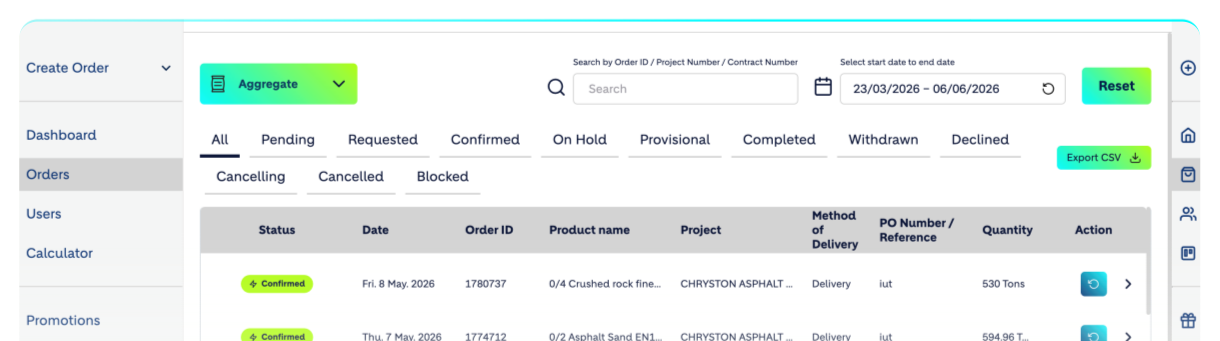
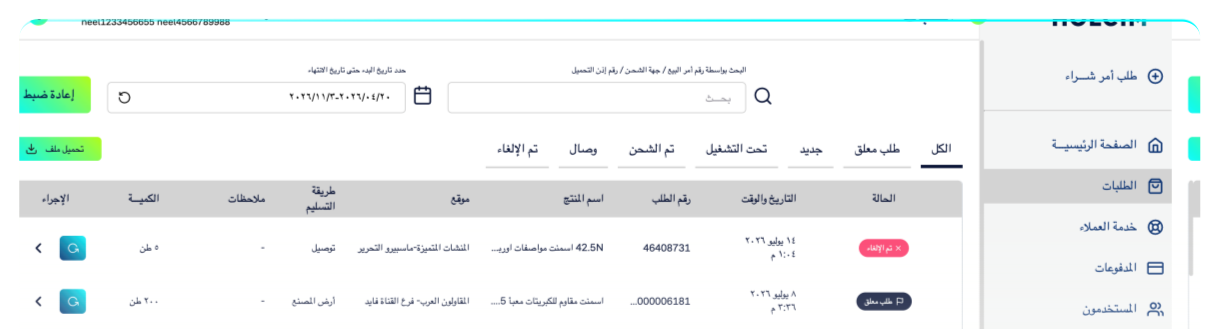
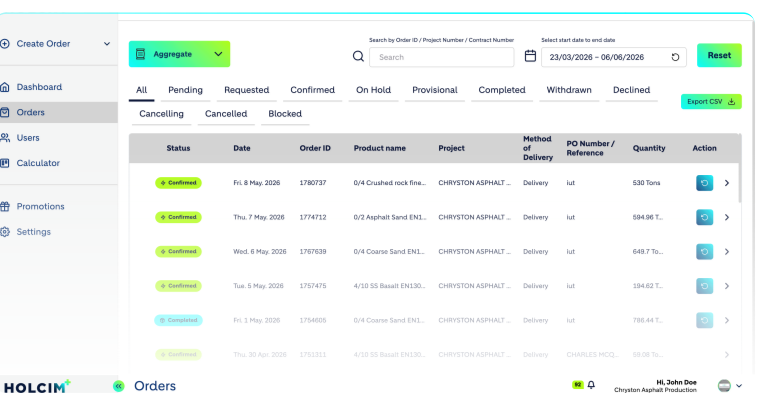
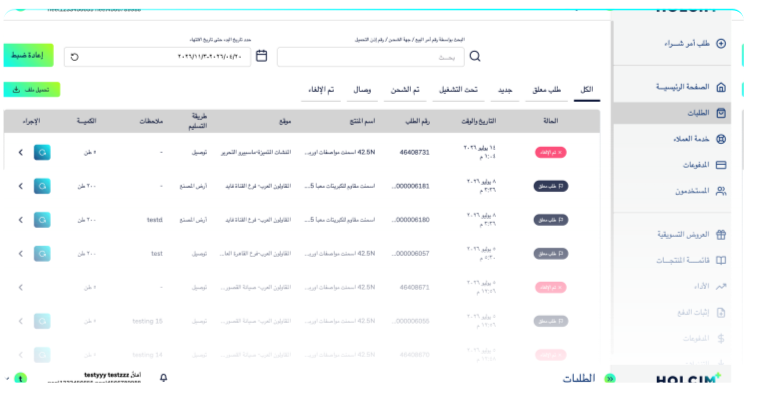
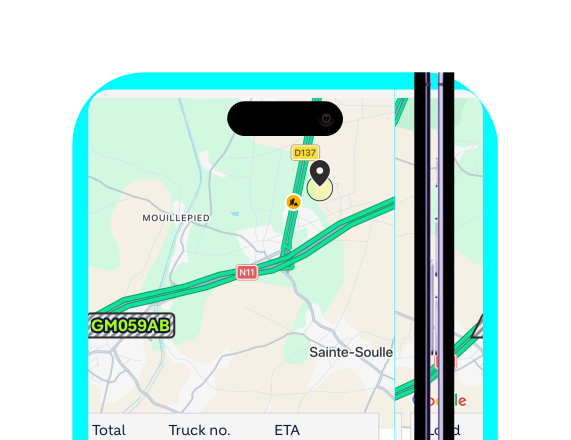
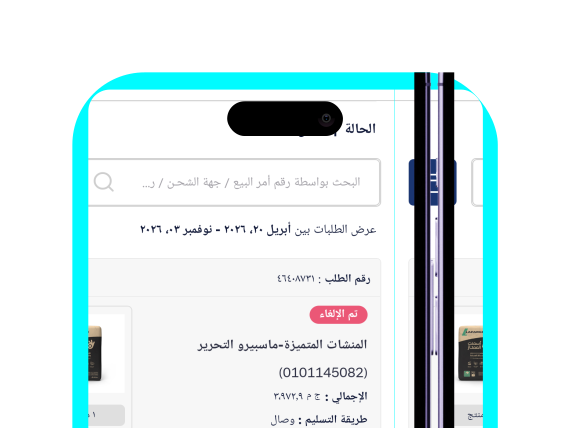
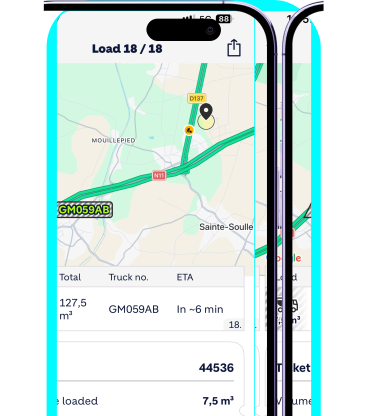
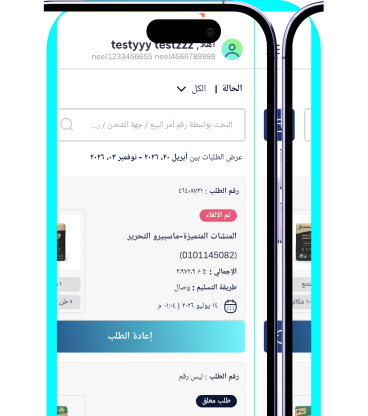
What is HOLCIM+?
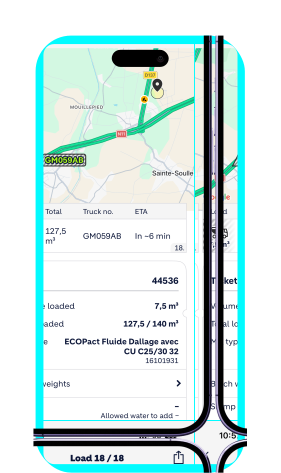
HOLCIM+ empowers you to take control. Our leading digital ecosystem offers a range of tools to keep your projects running efficiently and on time, from effortless ordering and delivery scheduling, to real-time tracking and instant direct communication possibilities.


50k+
Worldwide users
13
Countries

Across
4 regions

AI Features

Conversational AI Ordering
Smart Spacing & Orders
Why Choose HOLCIM+?
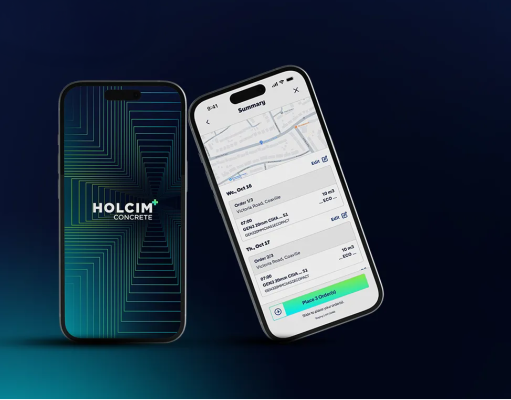
Whether in the field or in the office, HOLCIM+ delivers a seamless experience across mobile, web, and messaging platforms like WhatsApp.
Customers can easily place orders, track order status in real time, access accurate invoices, resolve billing questions, and review or correct contracts— all through one intuitive and efficient platform that ensures transparency and a world-class customer experience.

Wide-ranging benefits
Take full command of your supply chain.
HOLCIM+ offers a robust ecosystem of tools designed to keep your workflows optimized and your timelines secure.
Experience a smoother, smarter, and more innovative construction journey powered by our specialized digital solutions.
Digital Solutions
Our suite of digital tools ensures your projects stay on schedule with maximum efficiency, driving innovation across every border.
HOLCIM+ Web

Web
HOLCIM+ Web

HOLCIM+ WhatsApp

Mobile
HOLCIM+ Mobile


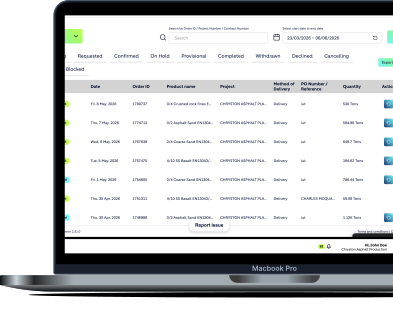
This user-friendly platform enables customers to interact with Holcim in a simple and seamless way from their desktop.
Key Functionalities for Holcim Customers:
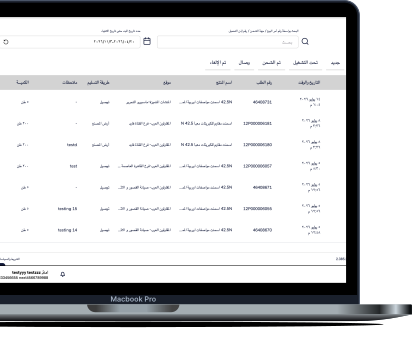
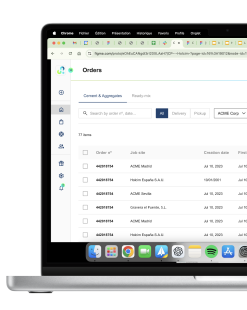
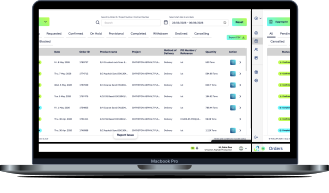
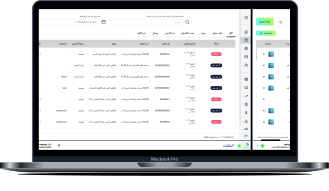


The first AI agent for 24/7, instant ordering. No new apps, no training—just natural conversation.
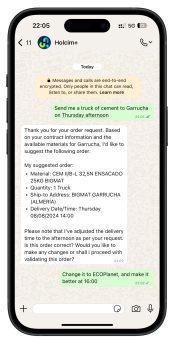




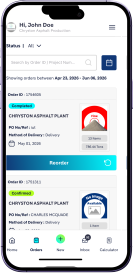
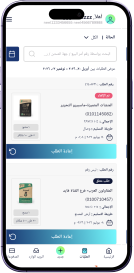
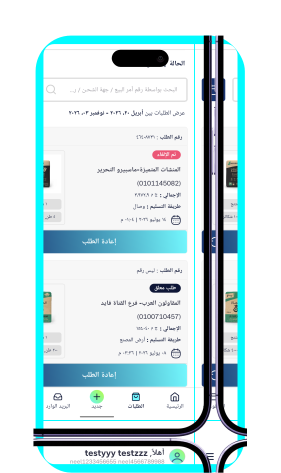
This app allows customers to manage their orders and access information anytime, anywhere.
Key Functionalities for Holcim Customers:






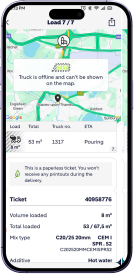
Integrated RMX ecosystem linking dispatch, drivers, and customers to optimize scheduling and deliveries.
Simplifies construction with easy concrete ordering, real-time delivery tracking, direct chat with dispatch, safety alerts, and sustainability data.
Frequently Asked Questions
Find answers to common questions about HOLCIM+
HOLCIM+ Web
HOLCIM+ Web
HOLCIM+ WhatsApp
HOLCIM+ Mobile
HOLCIM+ Web
HOLCIM+ WhatsApp
HOLCIM+ Mobile
How do I get an account for the HOLCIM+ Web portal?
Use the 'Register here' button to submit your company details. Account verification usually takes 24 hours.
How do I download my invoices and delivery notes?
Use the "Invoices" tab under “Financial” to filter by date or site and perform individual or "Bulk Downloads".
Can I manage multiple delivery sites or sub-accounts?
Yes, the Dashboard allows you to switch between different legal entities. You can easily create orders or download documents specifically to one or multiple delivery sites.
How do I see my current account balance and credit limit?
Navigate to the Financials section. Here you can view your real-time outstanding balance, available credit, and a history of recent payments made to Holcim.
How do I start using HOLCIM+ on WhatsApp?
Simply save our official number and text "Hi." If your mobile number is already registered in our system, you will be welcomed instantly. If you are not yet registered, please contact your Sales Representative to enable WhatsApp access for your account.
Can I place an order just by texting?
Yes. You can use natural language to place orders. For example, you can type: "I need 30 tons of EcoPlanet cement delivered to Site A tomorrow at 9am". The system will draft the order and ask you to tap "Confirm" to finalize it.
How do I check my order status quickly?
This feature is coming soon! Currently, you can track your deliveries in real-time via the HOLCIM+ Web portal or the Mobile App. We will notify all users once WhatsApp tracking is officially released.
What if the chatbot can't answer my question?
Type "Agent" to be transferred to a live member of our dispatch or customer service team.
Should I download "HOLCIM+" or "HOLCIM+ Concrete"?
HOLCIM+: Use for Cement (CEM), Aggregates (AGG), and Asphalt orders.
HOLCIM+ Concrete: Use specifically for Ready-Mix Concrete orders and pour tracking.
How do I get my login for the mobile app?
Mobile access is currently managed by our internal team. Contact your Sales Representative to request a unique mobile user account.
Can I track my truck's location on my phone?
Yes, select an active order to see a live GPS map, current status (e.g., "At Plant"), and real-time ETA.
What is the "Smart Spacing" feature?
Smart Spacing is an AI-driven tool that helps you avoid site congestion. It calculates the optimal time between truck arrivals based on your pour speed and travel times, ensuring you have a steady flow of material without trucks idling or queuing at your gate.